
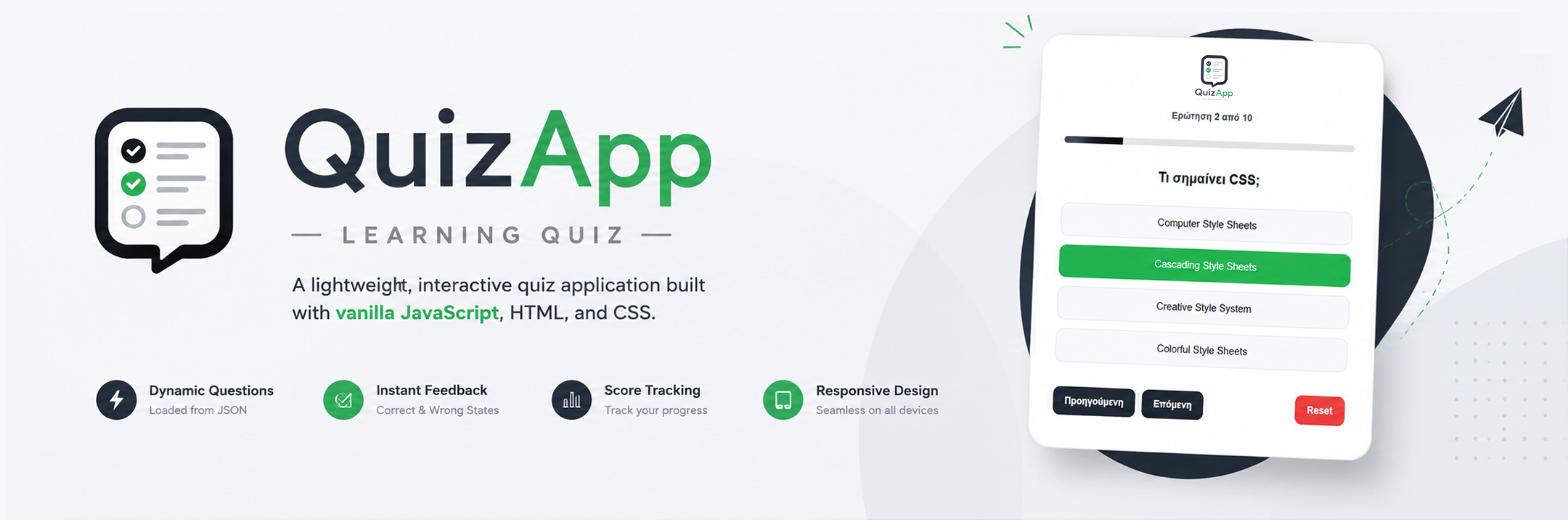
A Simple Quiz Application
Inspired by Learning Management Systems
Inspired by my experience working with Learning Management Systems (LMS), I built this project to explore the core logic behind a quiz application using Vanilla JavaScript. The application dynamically loads questions from a JSON file, manages user progress and scoring, and provides real-time feedback throughout the quiz. Rather than focusing on complex features, the goal was to strengthen my understanding of state management, DOM manipulation, asynchronous data loading, and interactive user experiences.
Project Overview
The idea for this project was inspired by my experience working with Learning Management Systems (LMS), where quizzes are an essential part of the learning process. I wanted to better understand how a quiz application works behind the scenes by building a simplified version from scratch using Vanilla JavaScript.
The application dynamically loads questions from a JSON file, allowing the quiz content to remain separate from the application logic. Users can navigate through the questions, receive immediate feedback after each answer, track their progress, and view their final score upon completion.
Beyond creating a functional quiz, the main objective of this project was to strengthen my JavaScript fundamentals. It gave me the opportunity to practice DOM manipulation, state management, event handling, asynchronous data loading with the Fetch API, and building a clean, interactive user experience without relying on external frameworks.
The Challenge
The main challenge was to build a quiz application that behaved like a real interactive system rather than a collection of static HTML pages. I wanted the application to manage user interactions dynamically, keeping track of progress, answers, and scores while updating the interface in real time.
Another important goal was to separate the application logic from the quiz content. Instead of hardcoding questions directly into the JavaScript file, I chose to load them from an external JSON file using the Fetch API. This approach made the application easier to maintain, extend, and reuse with different sets of questions.
Finally, I wanted to improve the overall user experience by preventing invalid actions, providing immediate visual feedback, displaying progress throughout the quiz, and presenting a clear results screen at the end. These features could help transform a simple learning exercise into a more complete and interactive application.
The Solution
To address these challenges, I designed the application around a simple state-driven architecture. The current question, user answers, score, and navigation flow are all managed through JavaScript, allowing the interface to update dynamically without reloading the page.
To improve scalability, I separated the quiz data from the application logic by storing all questions in an external JSON file. The application retrieves this data asynchronously using the Fetch API, making it easy to update or replace the quiz content without modifying the core JavaScript code.
I also focused on creating a smooth user experience by implementing answer validation, progress tracking, score calculation, and a final results screen. Small interface improvements, such as disabling navigation until an answer is selected and providing visual feedback after each interaction, helped make the application feel more intuitive and complete.
Technical Details
Built with:
- HTML5
- CSS3
- Vanilla JavaScript (ES6+)
- JSON
- Fetch API
Key concepts:
- DOM Manipulation
- State Management
- Event Handling
- Asynchronous Data Loading
- Dynamic Rendering
- Conditional Logic
- User Input Validation
- Score Calculation & Progress Tracking
- Responsive UX Design
Why I Built It
Having spent several years working with Learning Management Systems (LMS), I became familiar with quiz-based learning from the user’s perspective. This project gave me the opportunity to explore what happens behind the interface by building a simplified quiz system from scratch using Vanilla JavaScript.
More than creating a functional application, my goal was to challenge myself to think like a developer. I wanted to understand how application state, user interactions, dynamic rendering, and asynchronous data loading work together to create a smooth and interactive learning experience.
This project represents one of my first steps into JavaScript application development. It reflects my curiosity, my willingness to learn through hands-on practice, and my approach to building projects that connect my previous professional experience with my transition into Front-End Development.
Interface & Screens
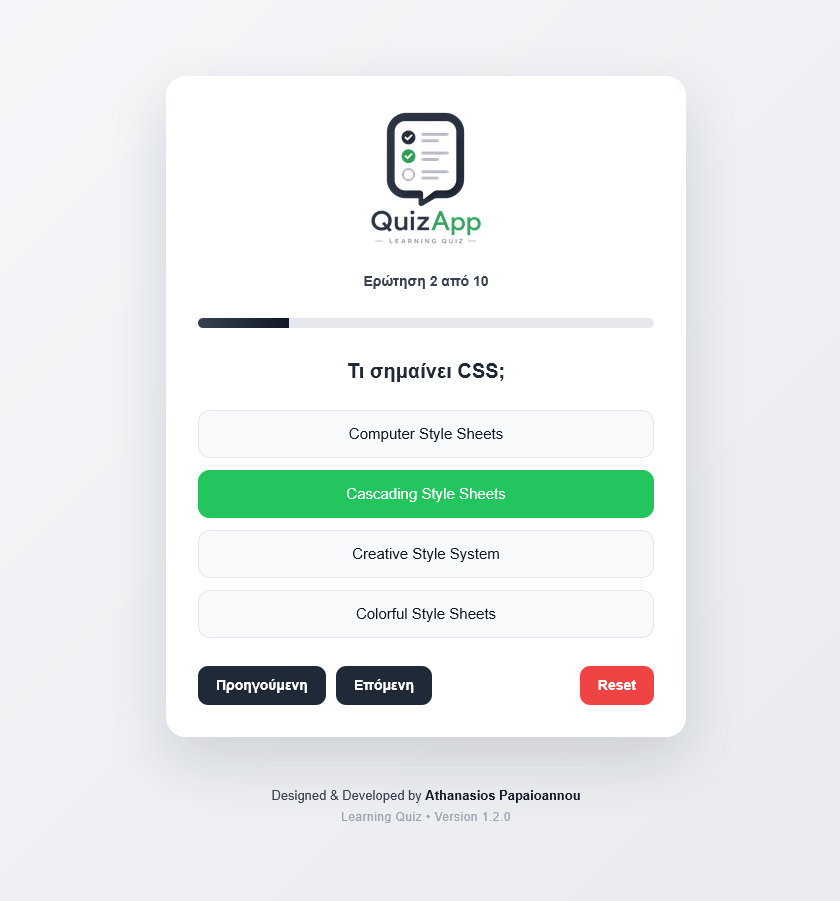
Users receive immediate visual feedback after selecting the correct answer. The selected option is highlighted, the answer is locked, and the quiz is ready for the next question.
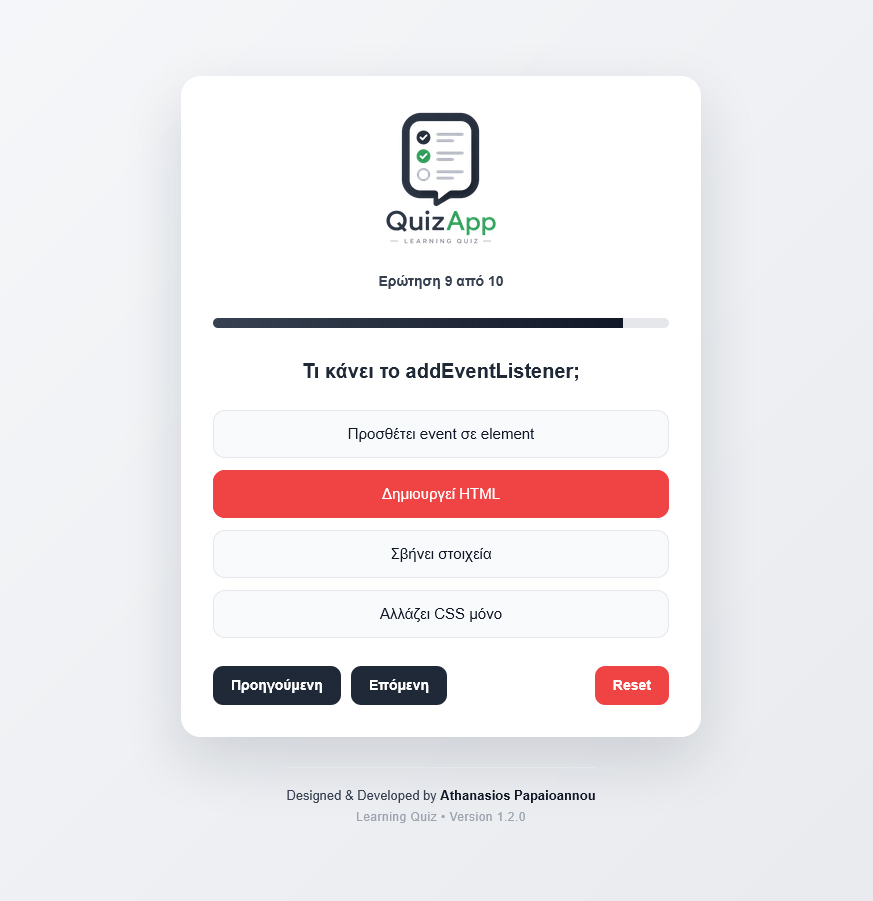
Incorrect selections are clearly indicated, helping users understand their choice while preventing additional answer changes before moving forward.
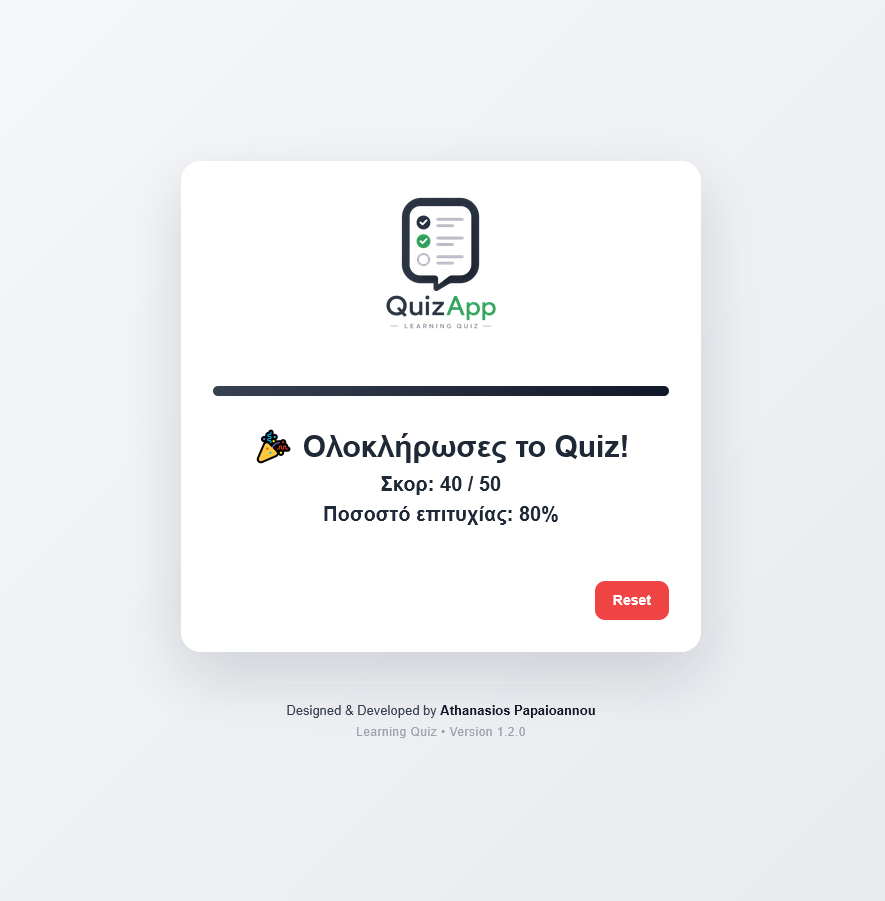
After completing the quiz, users receive a final score and success percentage. They have the option to restart the quiz.
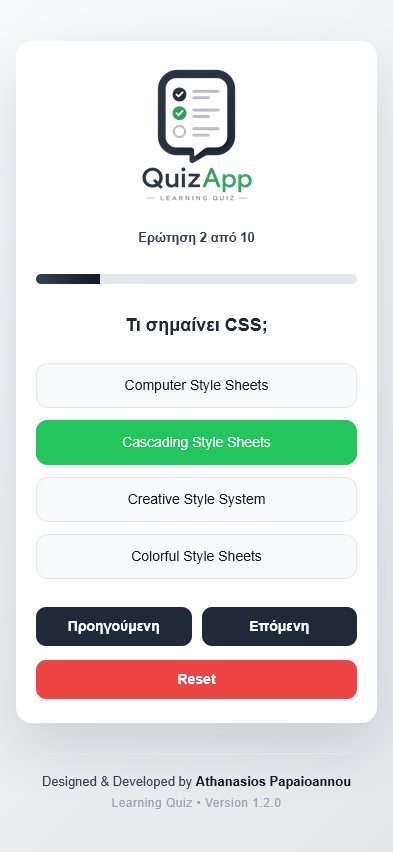
The interface adapts seamlessly to smaller screens, providing the same intuitive quiz experience across mobile devices.
Key Learnings
This project helped me move beyond writing isolated JavaScript functions and start thinking in terms of application flow. Managing state, updating the interface dynamically, and controlling user interactions gave me a much better understanding of how small web applications are structured.
Another important takeaway was learning how to separate data from application logic. By loading quiz questions from an external JSON file using the Fetch API, I experienced the benefits of creating a more maintainable and scalable architecture—an approach commonly used in modern web applications.
Perhaps the most valuable lesson was realizing that building applications is not just about writing code, but about designing a complete user experience. Small details such as progress tracking, answer validation, visual feedback, and responsive design all contribute to creating an interface that feels intuitive, polished, and enjoyable to use.
Interested in
working together?
Let’s create something useful and meaningful.