
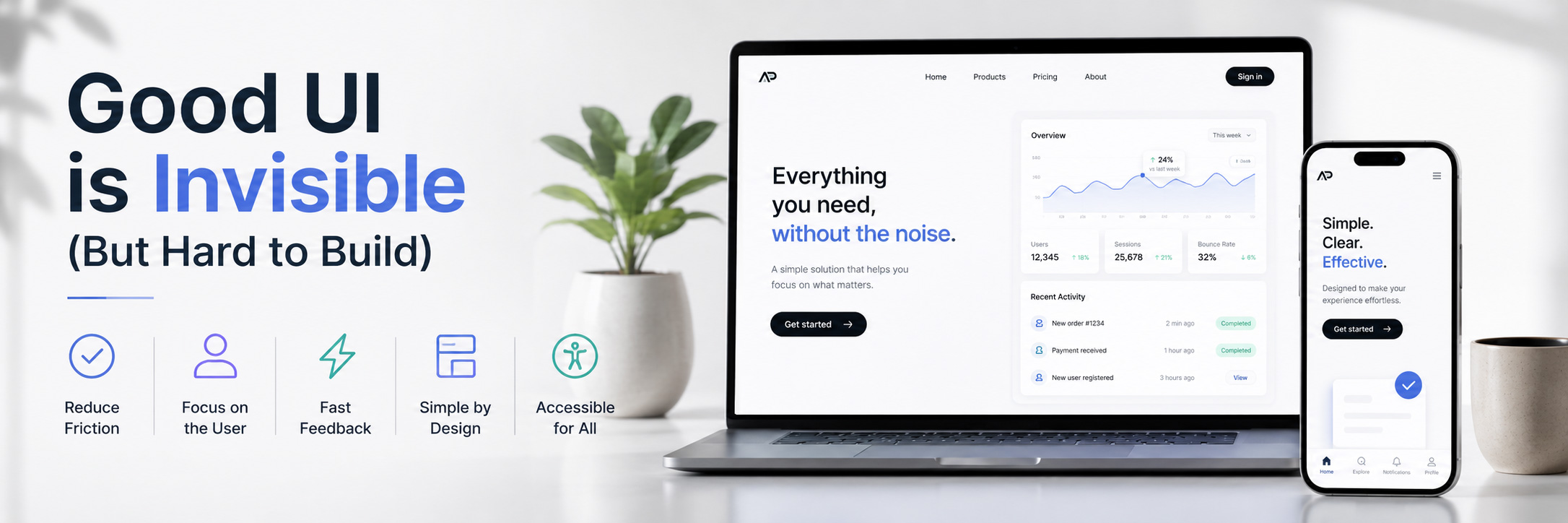
When users interact with a website or application, they rarely notice the interface when it works well. They do not think about spacing, alignment, or transitions. They simply complete their task and move on.
This is what good UI looks like. It is almost invisible.
But creating something that feels simple is one of the hardest parts of front-end development.
In this article, UI refers not only to visual design, but also to the overall user experience (UX), including how users interact with the product.
What “Invisible UI” Really Means
An invisible UI does not mean a boring interface.
It means a design that does not interrupt the user’s experience.
Everything feels natural:
- Navigation is easy to understand
- Actions are clear and predictable
- Feedback is immediate
- Nothing feels confusing or unnecessary
Good UI does not ask the user to think too much.
UX Is About Reducing Friction
User experience (UX) is not only about how something looks.
It is about how it works.
Every extra click, unclear label, or slow interaction adds friction.
Users may not always notice good UX, but they always notice bad UX.
Small problems create frustration:
- A button that is hard to find
- A form that is confusing
- A layout that changes unexpectedly
- A slow response after an action
These issues may seem small, but they affect the overall experience more than visual design alone.
Why Simple Interfaces Are Hard to Build
There is a common misconception that simple UI is easy.
In reality, simplicity requires more thought, not less.
To create a clean interface, you need to make decisions like:
- What should the user see first?
- What is the most important action on this screen?
- What can be removed without losing value?
- How should the interface behave in different situations?
Every element must have a clear purpose.
If something is not needed, it should not be there.
The Role of the Developer in UX
Designers define the visual direction while developers play a key role in user experience.
As front-end web developers, we are responsible for how the interface actually behaves.
We control:
- responsiveness
- interaction states (hover, loading, error)
- performance
- accessibility
- micro-interactions
A good UI design can easily become a bad UX if it is implemented poorly.
This is why technical decisions directly affect user experience.
UX Is Found in the Details
Good UX is often hidden in small details:
- smooth transitions instead of abrupt changes
- consistent spacing across components
- clear feedback when something happens
- proper loading states instead of blank screens
- readable typography and hierarchy
Users might not consciously notice these details.
But they feel them.
My Perspective
In my experience working with front-end development and CMS-based systems, I have learned that good UX is rarely about adding more features.
↠ It is usually about removing confusion.
A simple and clear interface almost always performs better than a complex one, even if the complex one looks more impressive at first.
Final Thoughts
Good UI is not about drawing attention to itself.
It is about helping users complete their goal without obstacles.
The best interface is the one that feels obvious after you use it, even if it was difficult to design and build.
Because in the end, users do not remember the interface itself.
They remember how it felt to use it.